
Use cases
Speak directly into your AI workflow.
Explore the main workflows Mallo is built for, from AI prompting and coding to drafting and idea capture.
VIBE CODING
Vibe coding
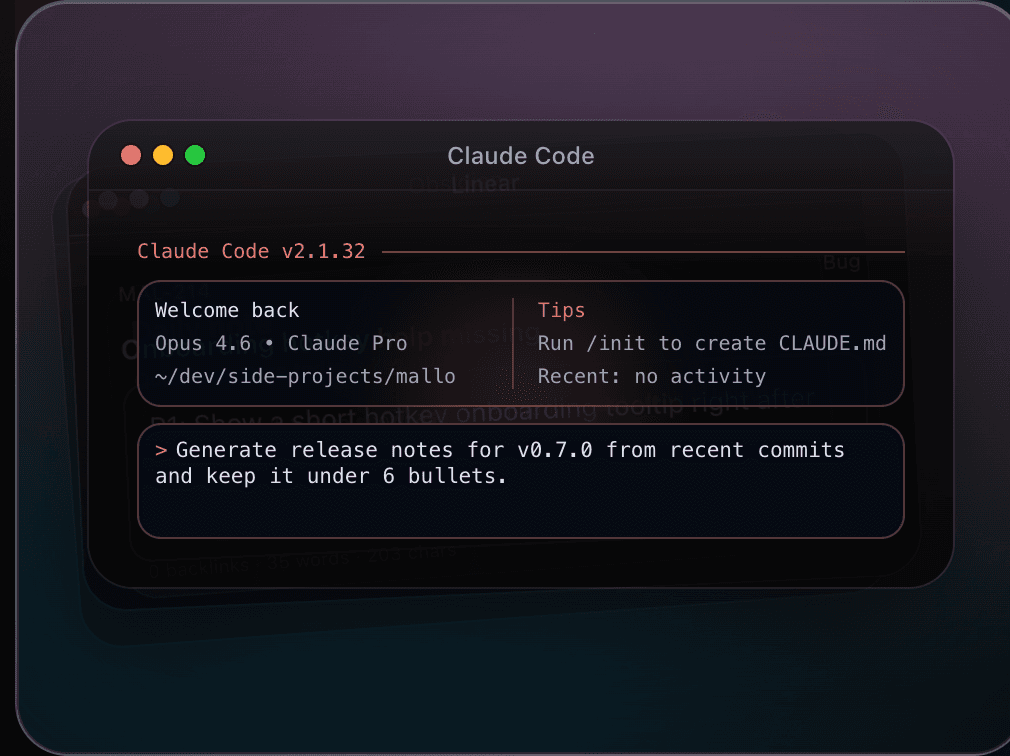
While using ChatGPT, Gemini, Claude Code, or Codex, speak instructions and fixes instead of typing everything by hand.
- Keep your intent-to-instruction loop moving
- Describe edge cases and constraints as you think
- Move from review comments to concrete fix requests faster
Coding flow
Speak prompts and patch requests without breaking coding context.
DRAFTING
Drafting messages and copy
Draft emails, marketing copy, and chat messages by voice, then refine in your current tool.
- Speak first drafts for email, Slack, and docs
- Keep momentum for launch notes and campaign copy
- Keep product and brand terms consistent with dictionary rules
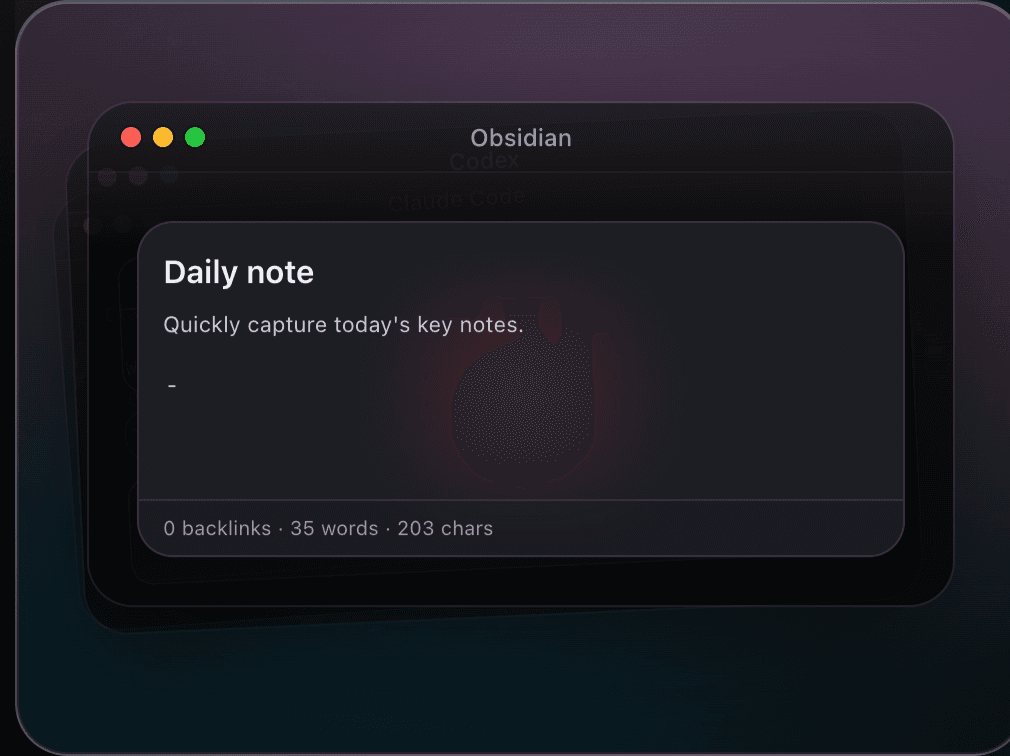
Obsidian drafting flow
Capture spoken drafts in Obsidian, then refine wording in your existing tools.
BRAINSTORMING
Brainstorming and thought dump
Capture ideas quickly by voice, then shape them in ChatGPT or Gemini without losing context.
- Dump ideas before they disappear
- Keep raw thoughts flowing without stopping to type
- Turn spoken notes into prompts and outlines in one pass
ChatGPT ideation
Dump raw thoughts fast, then shape them into prompts and outlines in ChatGPT.
ChatGPT
Send me 5 launch angles for an AI voice input app, concise and punchy.
1) Stop typing every prompt.
2) Speak ideas while context is fresh.
3) Voice layer for ChatGPT, Gemini, and Codex.
Turn #2 into onboarding copy for our landing page.
Voice dictation for momentum.
Mallo helps you move from idea to typed output without breaking flow. Buy now and start using it on macOS.