
You speak.Mallo types.
Press a hotkey and speak. Mallo types into ChatGPT, Claude Code, docs, chat, and the app you're already using.
Start free. Upgrade anytime.
What Mallo is, and why it feels different.
Mallo is a Mac dictation app for people who want voice input to behave like normal typing. It starts from a hotkey, stays out of the way, and types into the app you're already using instead of pushing you through a copy-paste workflow.
- Works in ChatGPT, Claude Code, docs, chat, and other text fields
- Hotkey-first control with hold-to-talk and toggle modes
- Local-first model support with Whisper, Parakeet, and Qwen
Press. Talk. Release.
Mallo stays out of your way in the menu bar and inserts text only when you ask.
01
Press your hotkey
Hold Fn/Globe, or toggle with Fn/Globe + Space.
02
Speak naturally
No commands. Just talk.
03
It inserts at the cursor
No clipboard. No app switching.
AI dictation for Mac, built for focused voice workflows.
Voice typing with direct cursor insertion, hotkey-first control, multilingual input, and optional term correction features.
DICTATE ANYWHERE
Speak. It types. Any app.
Whatever you say appears instantly at your cursor — in any app. No copy-paste. No switching windows.
Types where you type
Your words appear in the focused input field as you speak.
One flow, every app
Notes, chat, collaboration tools, AI apps — all the same way.
Works in every app that has text input
 Notion
 Slack
Slack Linear
 Apple Notes
 ChatGPT
 Claude Code
 VS Code
 Google Docs
 Messages
 Mail
Mail Figma
Figma Discord
HOTKEY WORKFLOW
Push-to-talk with one shortcut.
Hold Fn/Globe while you speak, then release to insert. For hands-free sessions, toggle dictation with Fn/Globe + Space.
Hold to speak
Listen while held, then insert on release.
Toggle dictation
Press once to start, then press again to stop.
Shortcuts
- Hold to speakfn
FN/GLOBE
- Togglefn+
FN/GLOBE
␣SPACE
DICTIONARY
Bring your dictionary.
Teach Mallo your terms so names, phrases, and product words stay consistent.
Preset + custom entries
Use the developer preset or override with your own terms.
Runs before insertion
Keeps product names and jargon consistent before text is typed.
Bring your dictionary.
Raw transcript
ship varsel preview, sync with subabase auth, and open git hub issue
Replacement sources
1. Preset entries
EnabledBuilt-in replacements for common developer terms.
2. Custom entries
OptionalYour own product names and team vocabulary.
3. Word-boundary match
RuleReplaces only the exact term you saved, without rewriting the sentence.
Output with replacements
ship Vercel preview, sync with Supabase auth, and open GitHub issue
Applied locally before insertion. Turn it on only when you want extra control over terms.
Core capabilities, at a glance.
Everything you need for reliable dictation flow across writing, chat, planning, and coding tasks.
Local-first processing
Run directly on your device with local Whisper (whisper.cpp).
Focus-safe insertion
Mallo stays in the menu bar and inserts only when you ask.
Hotkey workflow modes
Switch between hold-to-talk and toggle dictation depending on your task.
Multilingual input
Speak naturally across multiple languages and accents.
Dictionary controls
Use preset and custom entries to keep important names and phrases consistent.
History retention control
Store history only when enabled, keep it on-device, and choose how long it stays.
Multiple local models.
Mallo supports Whisper, Parakeet, and Qwen.
LOCAL MODEL
Whisper
whisperLocal default
LOCAL MODEL
Parakeet
parakeetLocal multilingual
LOCAL MODEL
Qwen
qwenBuilt-in Qwen option
Speak directly into your AI workflow.
Use Mallo to speak directly into ChatGPT, Gemini, Claude Code, Codex, and other tools. If you want, you can also use term corrections and cleanup features.
VIBE CODING
Vibe coding
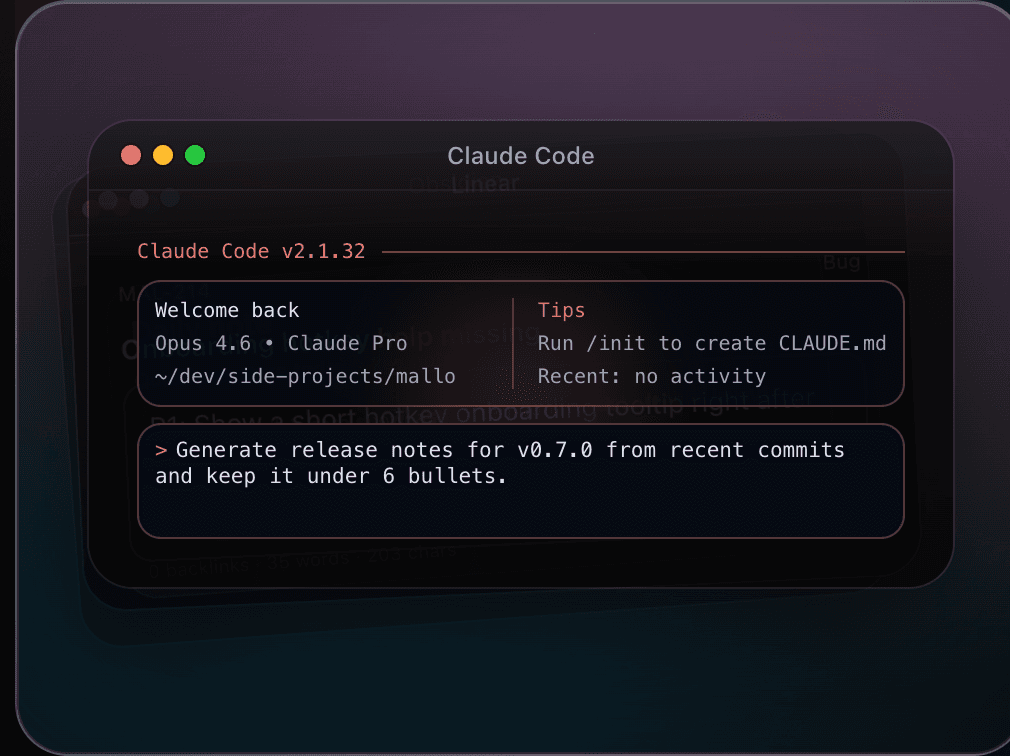
While using ChatGPT, Gemini, Claude Code, or Codex, speak instructions and fixes instead of typing everything by hand.
- Keep your intent-to-instruction loop moving
- Describe edge cases and constraints as you think
- Move from review comments to concrete fix requests faster
Coding flow
Speak prompts and patch requests without breaking coding context.
DRAFTING
Drafting messages and copy
Draft emails, marketing copy, and chat messages by voice, then refine in your current tool.
- Speak first drafts for email, Slack, and docs
- Keep momentum for launch notes and campaign copy
- Keep product and brand terms consistent with dictionary rules
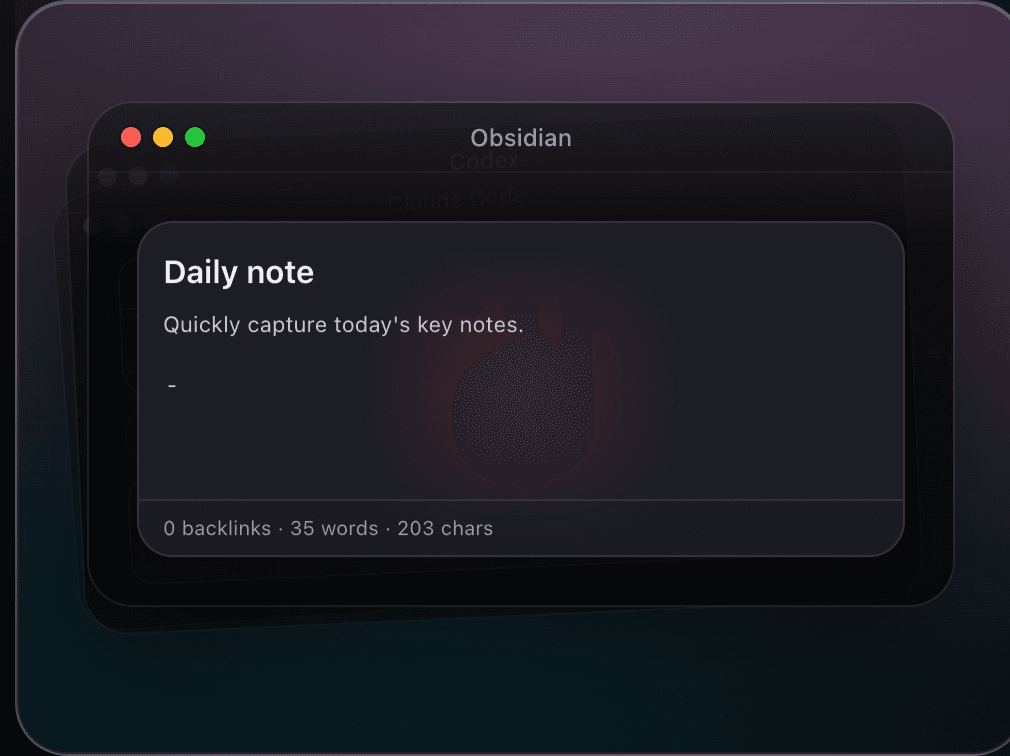
Obsidian drafting flow
Capture spoken drafts in Obsidian, then refine wording in your existing tools.
BRAINSTORMING
Brainstorming and thought dump
Capture ideas quickly by voice, then shape them in ChatGPT or Gemini without losing context.
- Dump ideas before they disappear
- Keep raw thoughts flowing without stopping to type
- Turn spoken notes into prompts and outlines in one pass
ChatGPT ideation
Dump raw thoughts fast, then shape them into prompts and outlines in ChatGPT.
ChatGPT
Send me 5 launch angles for an AI voice input app, concise and punchy.
1) Stop typing every prompt.
2) Speak ideas while context is fresh.
3) Voice layer for ChatGPT, Gemini, and Codex.
Turn #2 into onboarding copy for our landing page.
Pay once. Use forever.
No subscriptions. No recurring fees.
One payment, lifetime access on 3 devices.
Standard
$19
$29
Launch discount
- Lifetime license — pay once, own forever
- Use on up to 3 Macs
- All future updates included
- Types directly at your cursor
- Whisper, Parakeet, and Qwen support
- Optional cleanup and history
14-day money-back guarantee.